Keep your signature sound.
Stay involved in the shows your name is on, even when your schedule takes you somewhere else.
Hear the live mix and take complete control of your mixer from anywhere. Adjust routing, EQ, compression, effects, and in-ear mixes. Stay hands on wherever the night takes you.
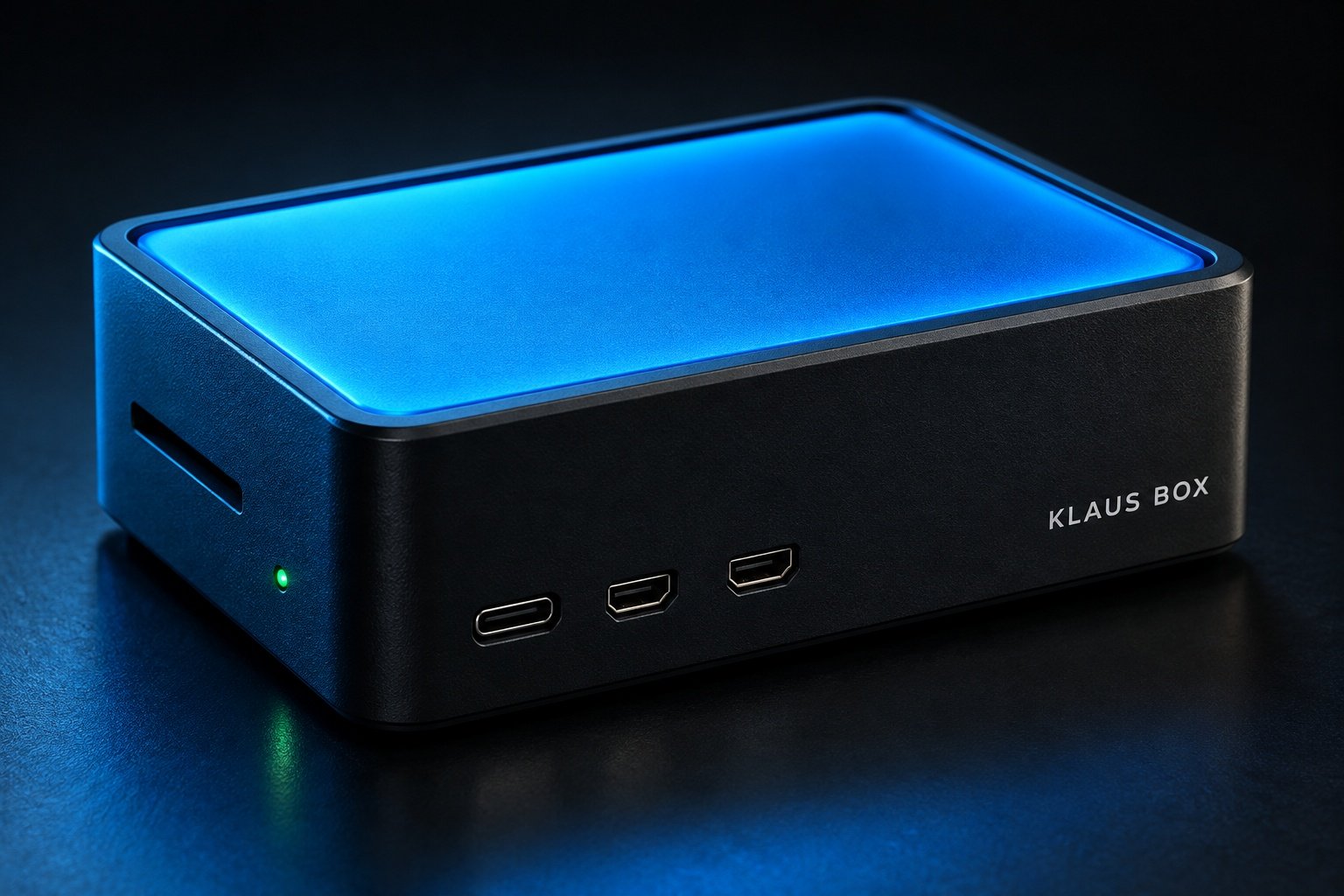
Klaus Box is $499 and compatible with all varieties of the Behringer WING, Behringer X32, and Midas M32. Keep the mixer you know. Give your engineer a way to help from somewhere else.
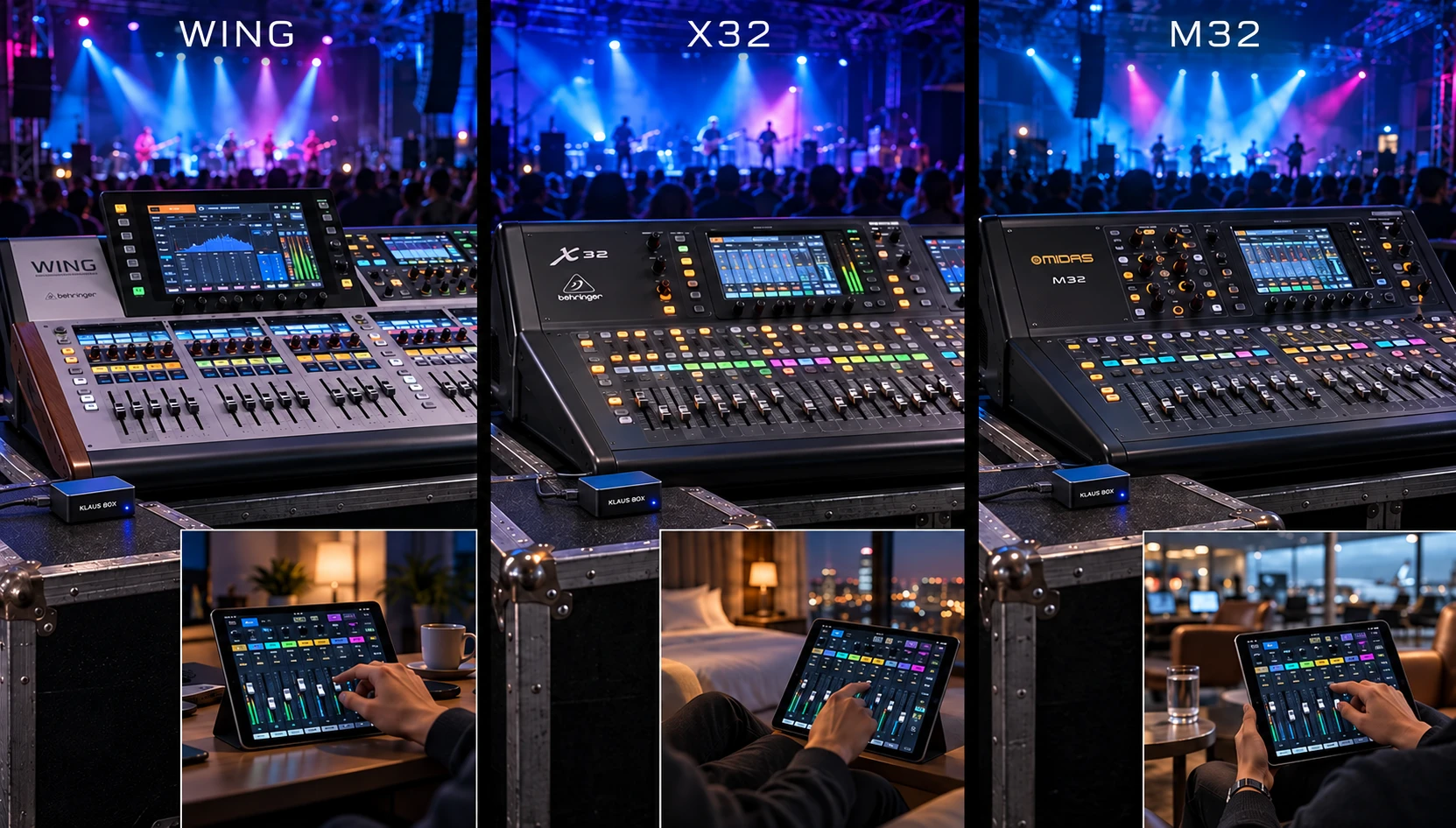
Illustrative remote-mixing setups. Mixer and remote device shown separately from the $499 Klaus Box.
For band owners, managers, and sound engineers who can’t be at the show. Bring a trusted set of ears into the room, from wherever they are.
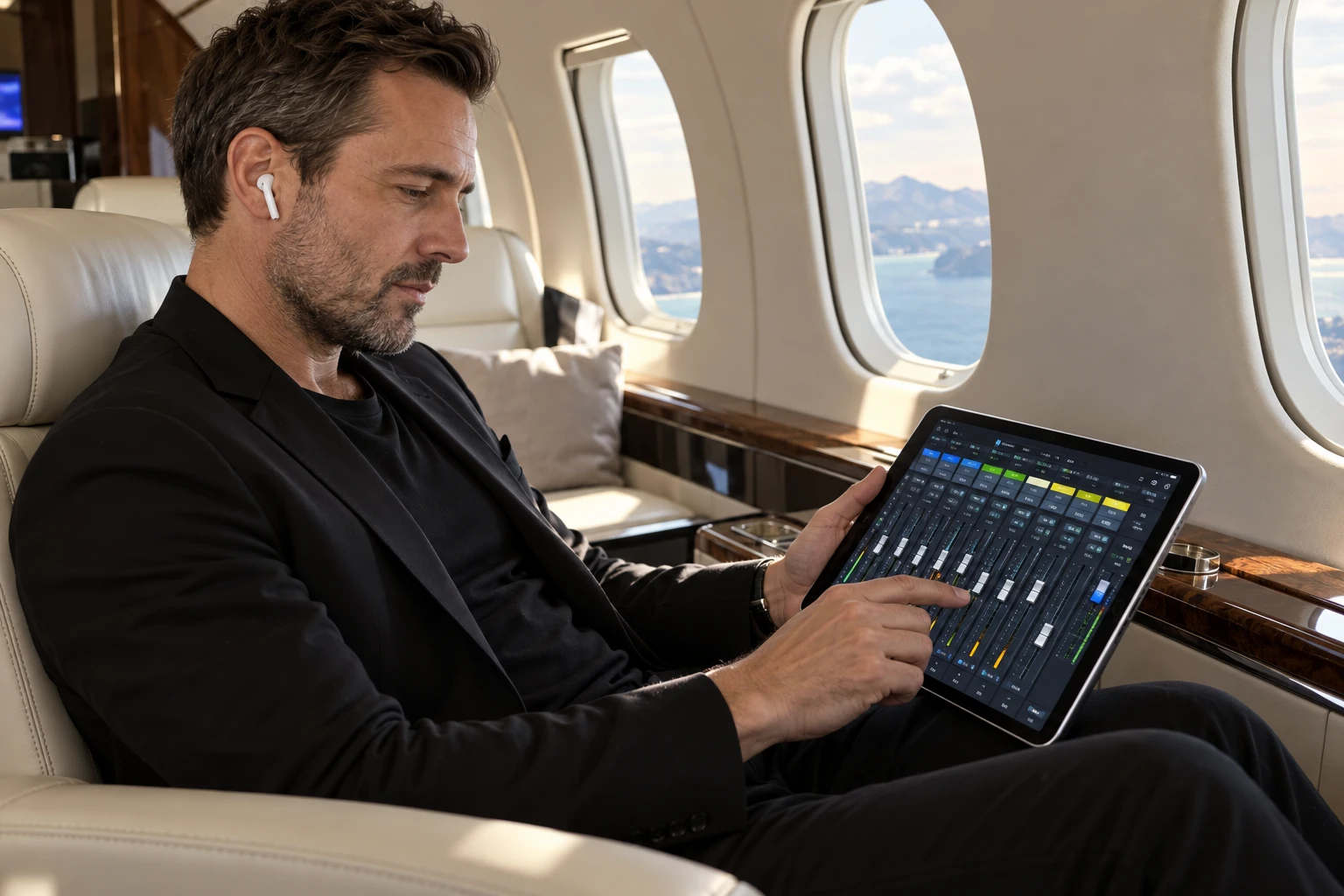
From an iPad in the air to a quiet spot between meetings, your next mix check is within reach.
Stay involved in the shows your name is on, even when your schedule takes you somewhere else.
Support your band from across town or across the country. Managing several acts? Bring the same attention to each lineup.
Give a trusted sound engineer a way to listen in, find what needs work, and help dial in the mix remotely.
Hear the live feed with low-latency monitoring and get complete access to your mixer: routing, EQ, compression, effects, and more. Solo a channel, listen to an ear mix, and make the adjustment that matters.
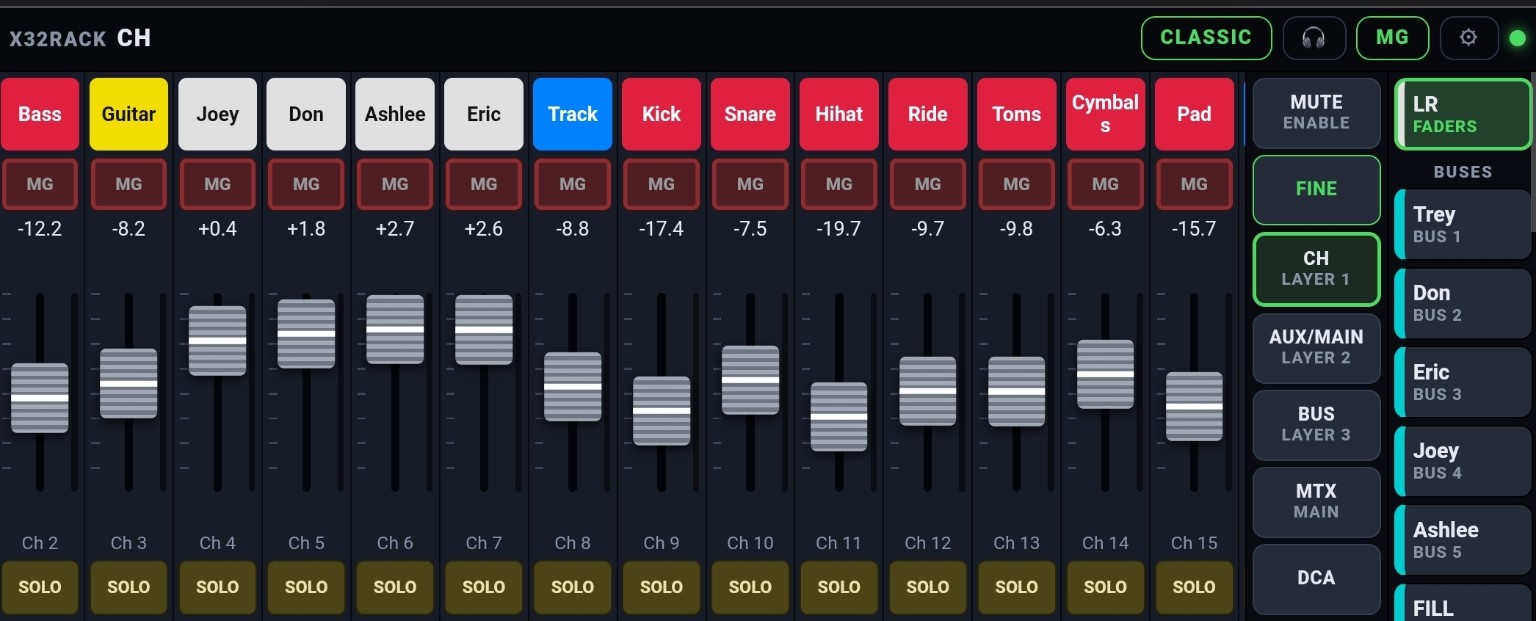
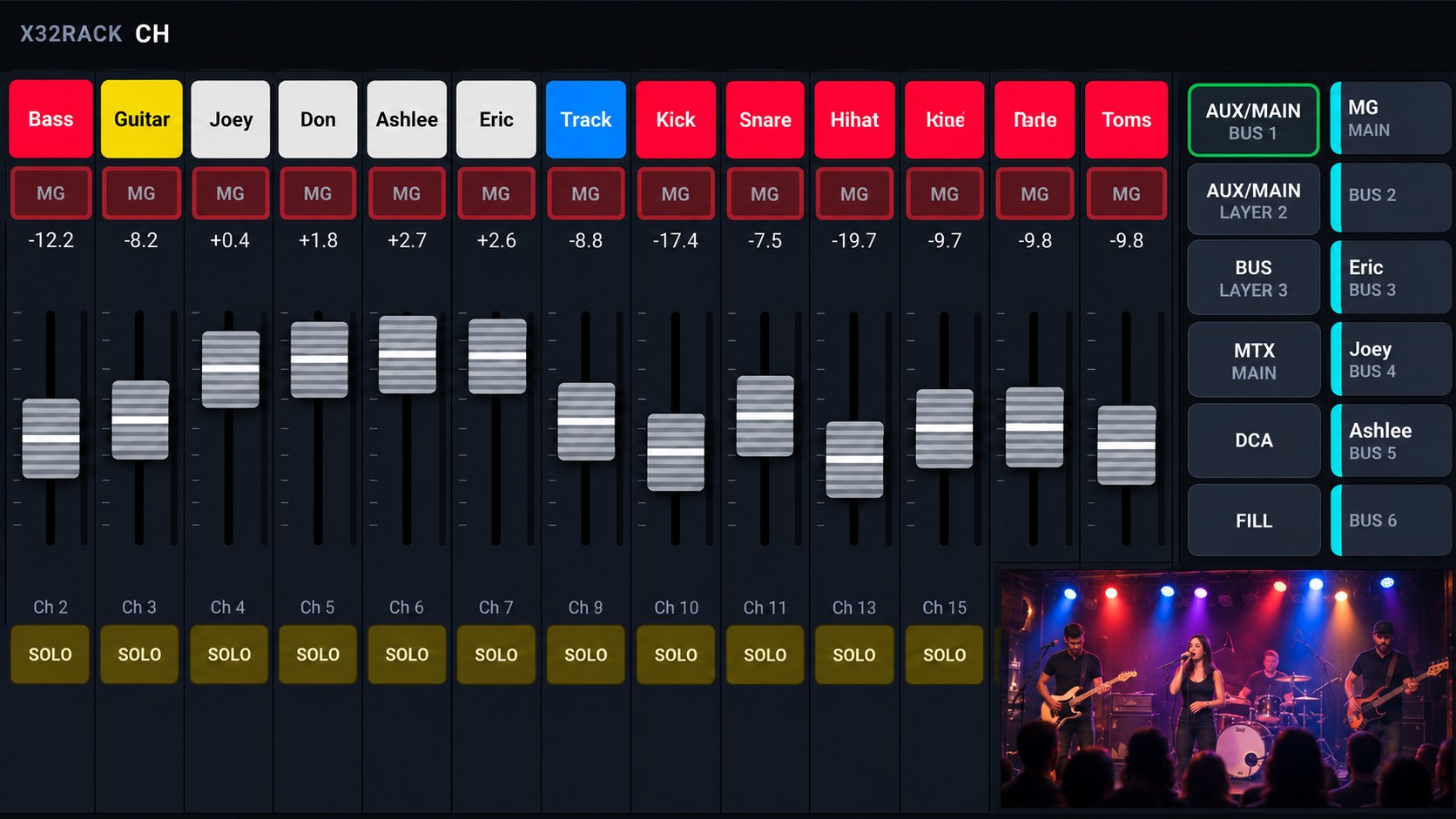
Monitor the live console mix and hear what needs your attention.
Solo individual tracks to focus on a vocal, an instrument, or a troublesome input. Monitor measurement and reference mics separately to hear the room from different positions.
Listen to individual in-ear mixes and help performers hear what they need.
End-to-end latency depends on venue or hotspot upload speed, your internet connection, and listening device. Aircraft Wi-Fi and Bluetooth earbuds can add delay.
Church, bar band, bigger stage, or touring rig? Tell us what you use and when to call. We’ll get back to you within 24 hours.
Want video? It can be as simple as connecting a webcam. Or turn wireless cell phones into camera sources for multiple angles. See the stage, check the room, and listen to each phone's audio for a front-of-house reference.
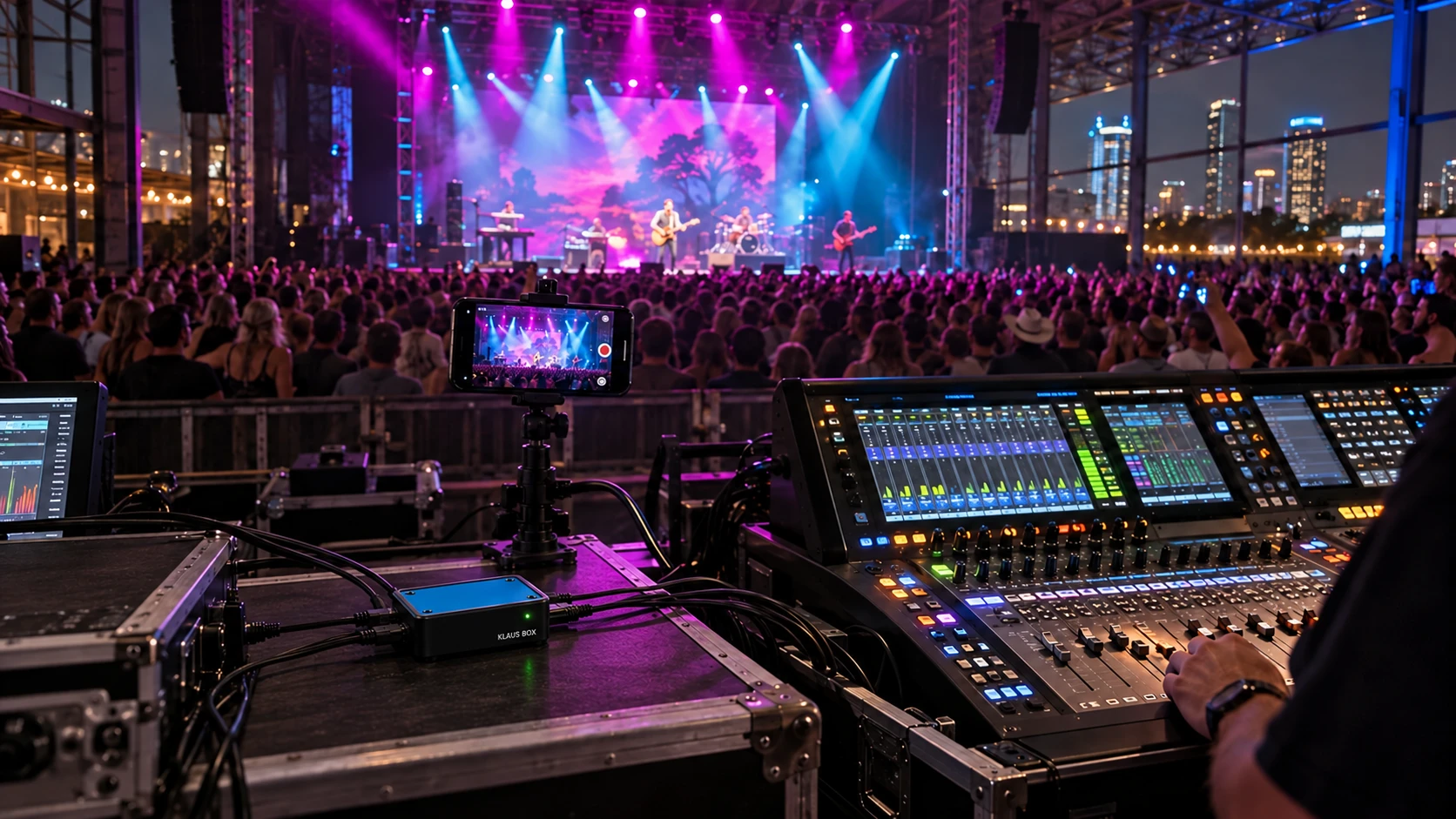
Check on the band and see what's happening around the performers.
Use a measurement mic, reference mics, or phone audio to hear beyond the console feed. Monitor each mic separately and compare positions throughout the room for more angles of reference.
Bring in another angle to see the audience and understand the space.
The Raspberry Pi 5-powered Klaus Box sits with your sound setup, connected to your WING, X32, or M32 and an internet connection. All variants are supported.
Open your remote mixing setup on your device. Listen to the live mix and bring up the view you need.
Control routing, shape EQ, dial in compression and effects, and check the band's ear mixes. Complete mixer access lets you keep your team sounding their best remotely.
Klaus Box is $499. It works with all varieties of Behringer WING, Behringer X32, and Midas M32 mixers.
All variants of the WING, X32, and M32 families are compatible. Whether your setup uses a full console, compact model, or rack format, Klaus Box brings remote monitoring and control to your sound setup.
Yes. Klaus Box gives you complete access to your mixer, including routing, EQ, compression, effects, channel controls, buses, and in-ear mixes. You can listen, troubleshoot, and make adjustments remotely.
Klaus Box is designed for low-latency remote monitoring. No internet audio path is literally zero latency: the venue connection, your network, and headphones all affect the delay.
That's the idea. Equip each band's setup so you and your team can check in remotely. Each venue needs its own connected setup; supported access and mixer compatibility should be confirmed for your configuration.
Yes. Use a measurement mic, reference mics, or both as additional audio sources. Monitor each separately to compare what the audience hears from different positions in the room. Combine those listening perspectives with the live mix and camera audio for as many angles of reference as your setup provides.
Video is optional, and adding a source can be as simple as connecting a webcam. Camera integration also lets wireless phones act as video sources at the venue. Different positions give you stage and room views, with each camera's audio available as a front-of-house reference.
Remote access helps you support the show, but someone on site still handles physical equipment, microphones, cabling, and anything that needs a hands-on fix.
Anywhere you have a suitable connection and can safely give the mix your attention: at home, between meetings, aboard a connected flight, or as a passenger on the road.
Your band. Your standards. Your sound.
All WING, X32 & M32 variants.
Book a Phone CallWe’ll get back to you within 24 hours to answer questions or schedule your call.
Ask a Question